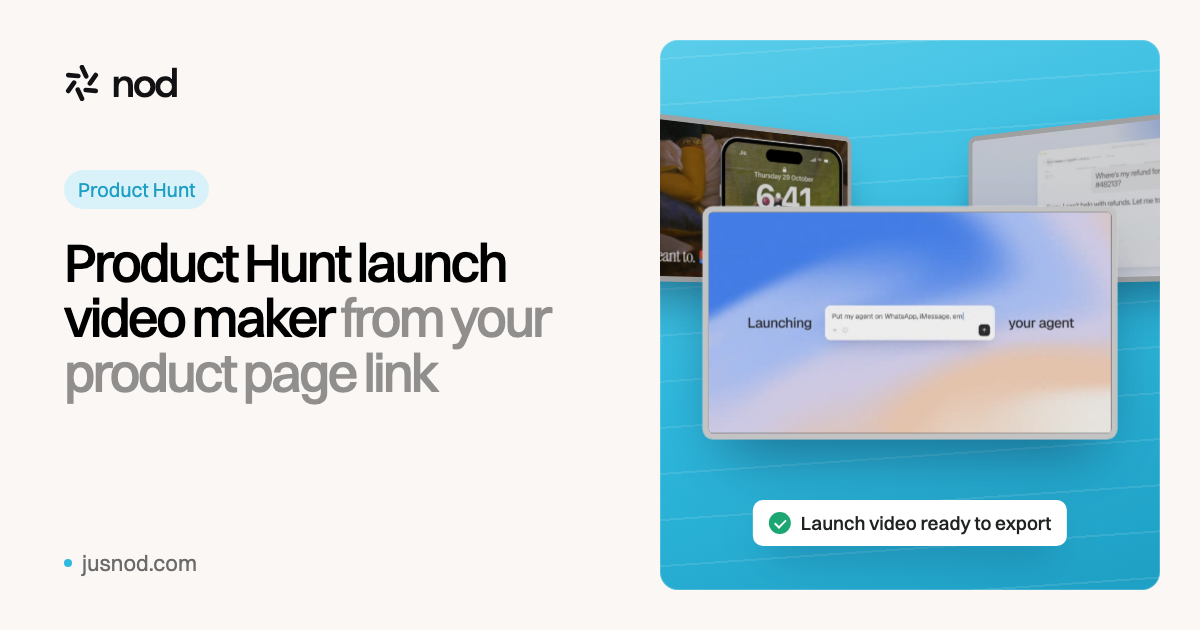
How does the Product Hunt launch video maker work?
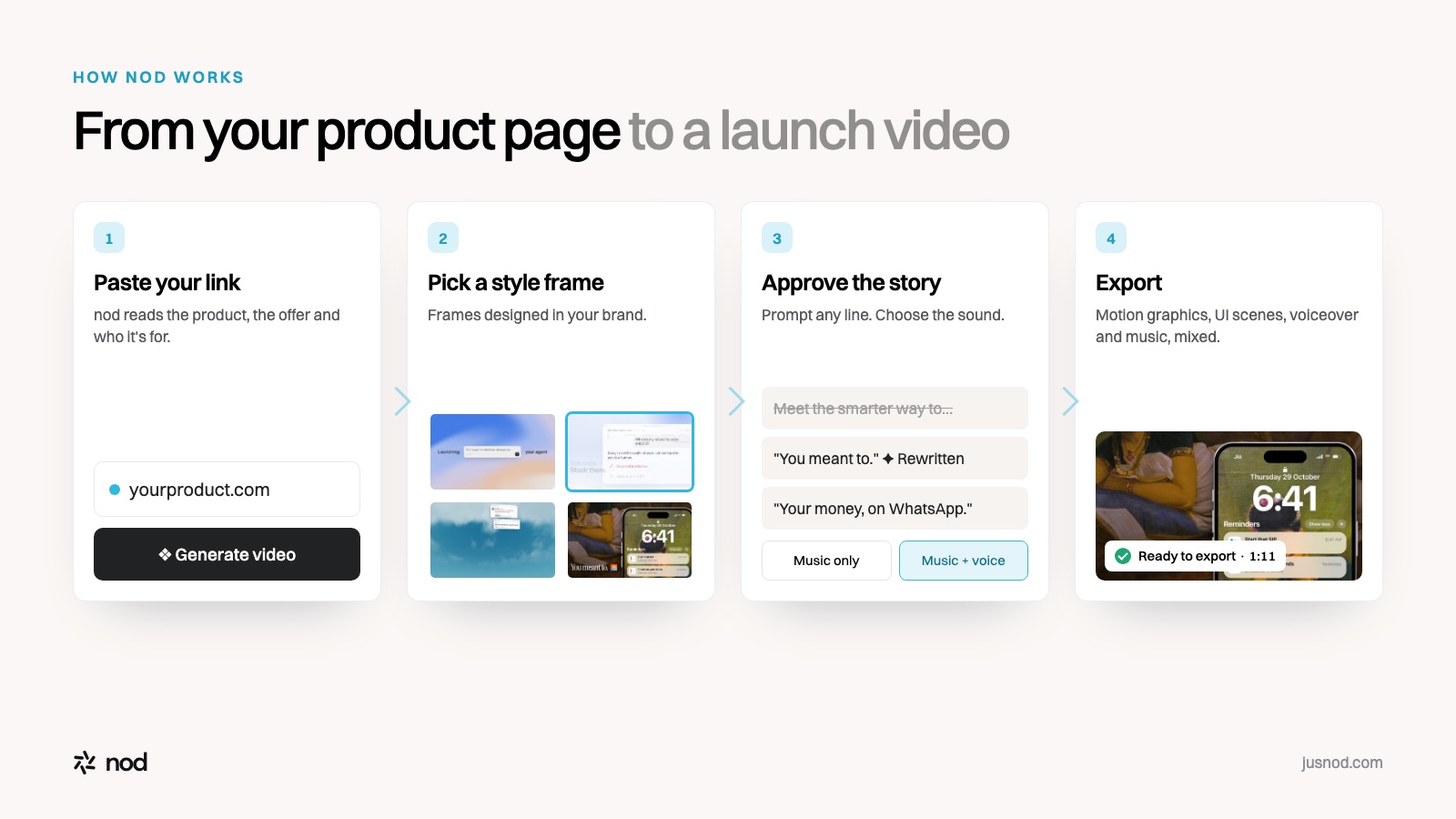
- Paste your product page link. nod reads it for what the product does, the offer and who it's for. No brief to fill in.
- Pick a style frame. nod proposes frames designed around your colours and type. You choose the look before any motion is made.
- Approve the script and sound. Rewrite any line by prompt ("make the hook about the problem", "cut it to 45 seconds"). Then pick music only, or music with a voiceover.
- Export and attach it to your launch. Download the MP4, upload it to YouTube, and paste the full YouTube URL into the launch video field on Product Hunt.
Want to draft the words yourself first? The free launch video script generator writes a timed, scene-by-scene script you can paste in.
What does a Product Hunt launch video need?
Product Hunt sets the format rules. Our study of 150 daily top-3 launches from September 12 to October 31, 2026 shows what winning launches did with them.
| Question | Answer | Source |
|---|---|---|
| Is a video required? | No, it's optional. But 81.3% of top-3 launches had one, and 86% of #1 products. | nod study |
| What format? | A YouTube link only: not private, and the full URL (shortened links won't load). | Product Hunt |
| How long? | No limit set. Median 78 seconds; 75% ran two minutes or less. | nod study |
| When to upload? | 70.5% went up on YouTube 0 to 7 days before launch day. Leave time to test the link. | nod study |
| What else goes with it? | A square thumbnail (240×240 recommended, under 3MB), at least 2 gallery images (1270×760 recommended) and a tagline of up to 60 characters. | Product Hunt |
The full breakdown of specs, script structure and real examples is in the Product Hunt launch video guide. Check your file against every platform with the video specs checker.
What makes a Product Hunt launch video work?
- Open on the problem. Visitors decide in the first seconds. Lead with the moment your user is stuck, not your logo.
- Show the product doing one job at a time. Two or three clear moments beat a tour of every feature.
- Make it readable muted. When you share the same film on X and LinkedIn it autoplays without sound, so key lines go on screen.
- End on the name and one line. The same promise as your tagline, so the video and the listing say one thing.
How is nod different from other Product Hunt launch video makers?
Here's how the makers that rank for this search describe themselves, on their own pages.
| nod | ngram | Fliki | Freelancer or studio | |
|---|---|---|---|---|
| Starts from | Your product page link | A prompt, plus a URL, screenshots, PDFs or decks | Your website URL, or a text description | A brief and calls |
| What you get | A finished film: motion graphics, designed UI scenes, voiceover, music | An editable draft with AI visuals, voiceover and captions, plus teaser and demo variants | Motion graphics with an AI voiceover, in fixed 10-second scenes | Custom work, several review rounds |
| Lengths | Set by your script; nod's films run 43 to 72 s | You set it | 15, 30, 45 or 60 s (story mode up to 2 min) | Agreed in the brief |
| You approve before render | Style frame, script and sound | A story plan | The voiceover and storyboard | Script and storyboard |
| Pricing | $69 per video a month; $149 for 3 | Credits; MP4 download from the Basic plan | Free plan with 3 credits a month; generative clips on paid plans | $850–$3,500 (Contra); studios from about $1,000 per 60 s (Breadnbeyond) |
ngram and Fliki from their own Product Hunt launch video maker pages, checked November 4, 2026. Neither page lists paid prices. We haven't tested their output. Freelancer and studio prices are published rates.
Comparing more tools? See all comparisons and alternatives pages.
What else do you need for launch day?
- How to launch on Product Hunt: the timeline from prep to launch day.
- Product launch checklist: every asset, in order.
- Product Hunt tagline examples, with a free tagline checker.
- Launch email templates, including a Product Hunt day email that stays inside the rules.
- Where else to launch: 15 platforms beyond Product Hunt.