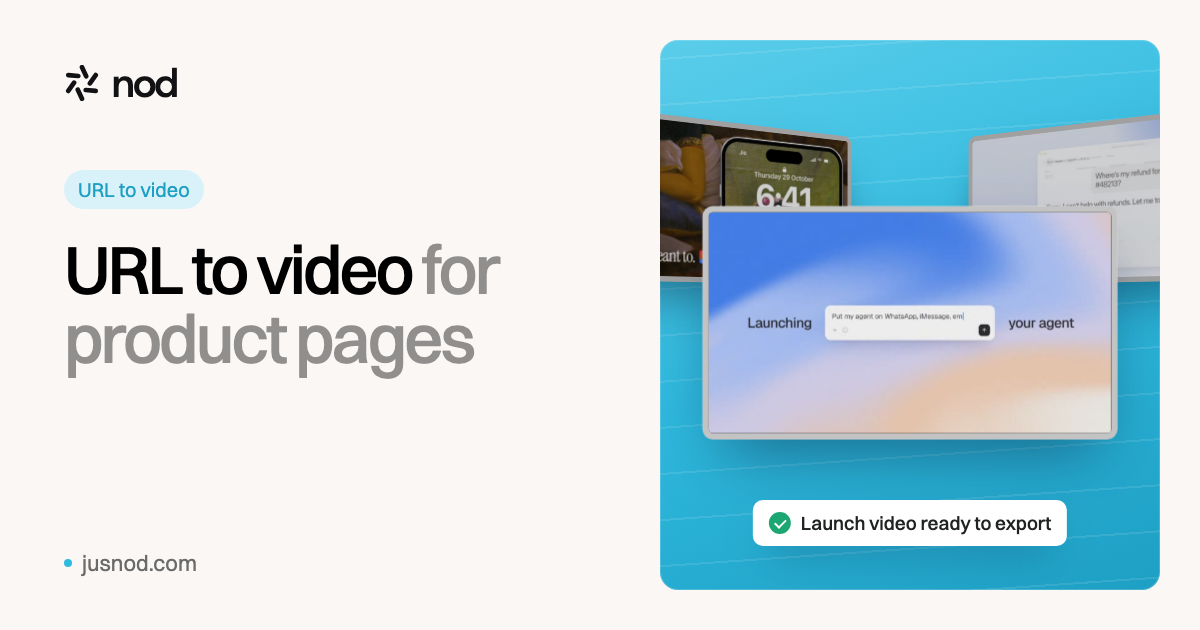
Paste your product page. nod reads it, writes the story, designs the scenes and hands you a finished launch video with voiceover and music.
Works with any public product or landing page
URL to video turns a web page into a video. For a product page, nod reads what the product does, the offer and who it's for, proposes style frames in your brand, writes a script you can edit by prompt, then builds the video with motion graphics, designed UI scenes, voiceover and a music mix. Unlike URL tools built for stock footage, avatars or e-commerce ads, it makes a launch-style product video.
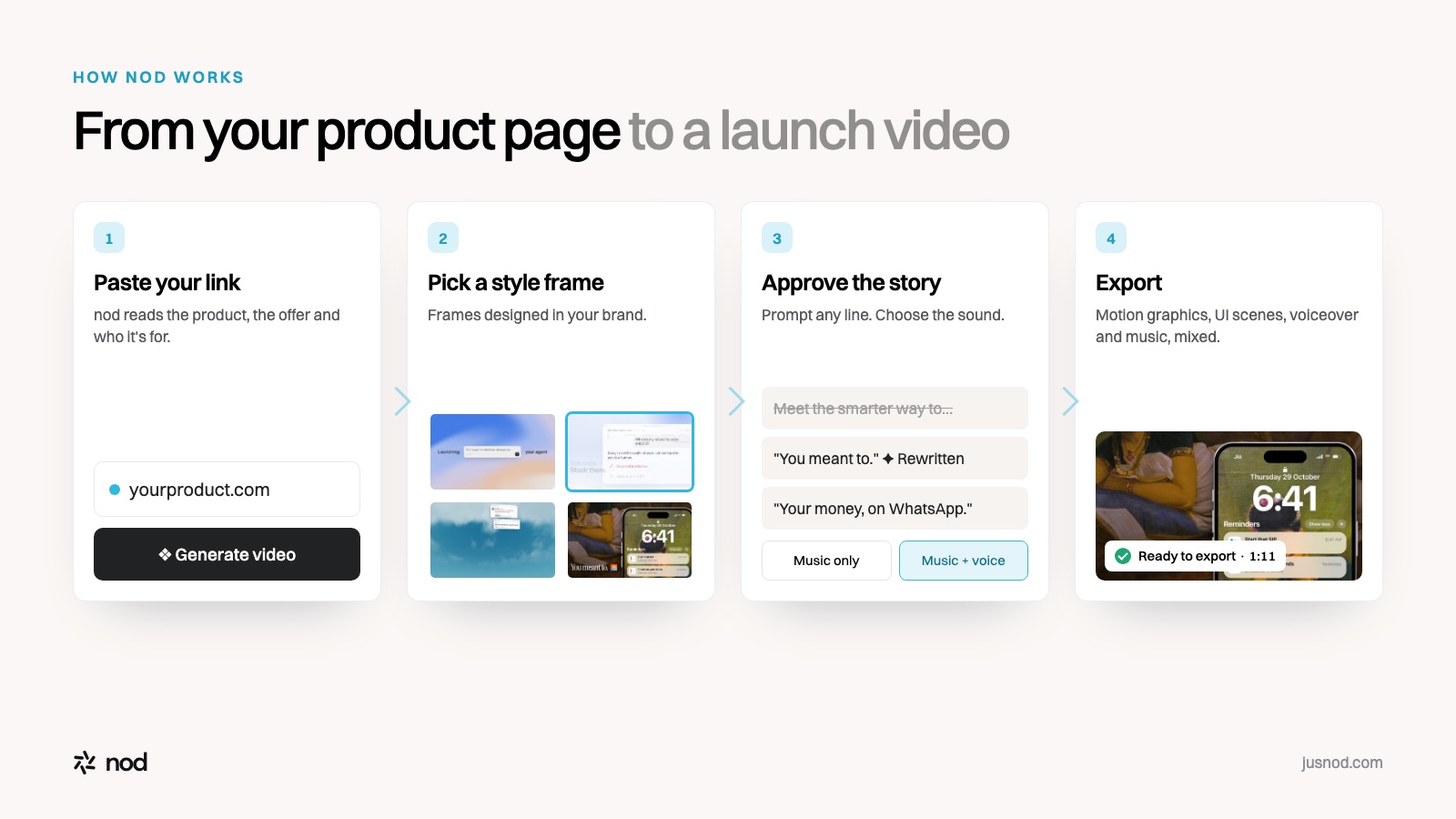
From link to launch video in four steps
1
Paste the URL
Your homepage or a feature page. nod works out the product, the offer and the audience.
2
Pick a style frame
nod designs style frames around your brand. Choose the look the video will follow.
3
Approve the story
Read the storyline and script, prompt any change, and choose music only or music with a voiceover.
4
Export
nod builds the motion graphics and UI scenes, records the voiceover and mixes the music. Download and post.
Not all URL-to-video tools make the same thing
From product page to launch video in four steps.
Search "url to video" and you'll find four different kinds of tool. They take the same input and produce very different videos:
Type
What it makes from your URL
Examples
Best for
Stock-footage tools
Narrated video over stock clips matched to your text
Pictory
Turning articles and blogs into video
Avatar tools
An AI presenter reading a script from your page
HeyGen, Synthesia
Training, explainers with a talking head
E-commerce ad tools
Short ads from product listing images
Creatify
Shopify and Amazon product ads
Launch-video tools
A designed product film: motion graphics, UI scenes, voiceover, music
nod
SaaS, AI and app launches, feature drops, landing pages
Based on each tool's own product pages, checked November 2026.
What a good product page gives the video
The video can only be as clear as the page it starts from. Pages that turn into strong launch videos usually have:
A one-line promise that says what the product does, not just a slogan.
The problem it solves, in the customer's words.
Two or three concrete features or moments of the product working.
Who it's for, so the script speaks to the right viewer.
A clear call to action to end the video on.
Missing something? You can add it by prompt when nod shows you the script.
Where to use the video
Launch day:Product Hunt (via YouTube), X and LinkedIn.
Your landing page: above the fold, so visitors see the product working.
Feature drops and changelogs: a short cut for every meaningful release.
Sales and onboarding: the same story in emails and welcome flows.
ReacherMoney reminders on WhatsApp · 1:11TofaIdentity for AI agents · 1:12DevVineAn atlas of your engineering org · 0:47NuPlayAgents that improve every run · 0:43
URL to video FAQ
What is URL to video?+
URL to video means giving a tool a web page link and getting a video made from what's on that page. For product pages, the useful version reads the product, the offer and the audience, then turns them into a short video with a script, visuals and sound.
Can nod download a video from a link?+
No. nod isn't a video downloader. It reads your product page and makes a new launch video about your product.
What kind of URL works best?+
A public product or landing page that says what the product does and who it's for, such as your homepage or a feature page. nod needs a page it can open without logging in.
Do I get to change the video before it's made?+
Yes. nod shows you style frames to choose from and writes the storyline and script first. You can prompt any change, choose music only or music with a voiceover, and approve before the video is built.
How much does it cost?+
$49 for one video a month, $99 for three, $249 for ten, or $999 a month for unlimited videos with your own API keys.