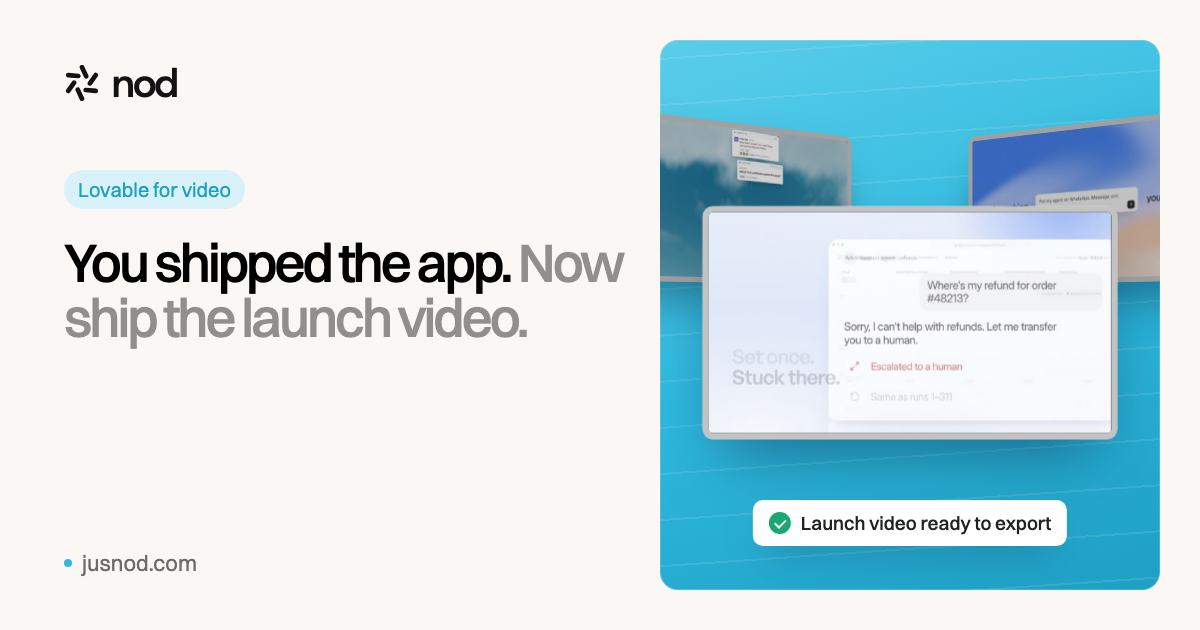
nod is Lovable for video. Paste your product link and nod writes the script, designs the scenes, adds voiceover and music, and hands you a finished launch video.
"Lovable for video" means making a video the way you made your app: describe what you want and refine it with prompts, instead of learning an editor. nod starts from your product page, proposes style frames, writes a script you can change by prompt, and builds an export-ready launch video with motion graphics, UI scenes, voiceover and music. nod is independent and not affiliated with Lovable.
The same loop you used to build the app
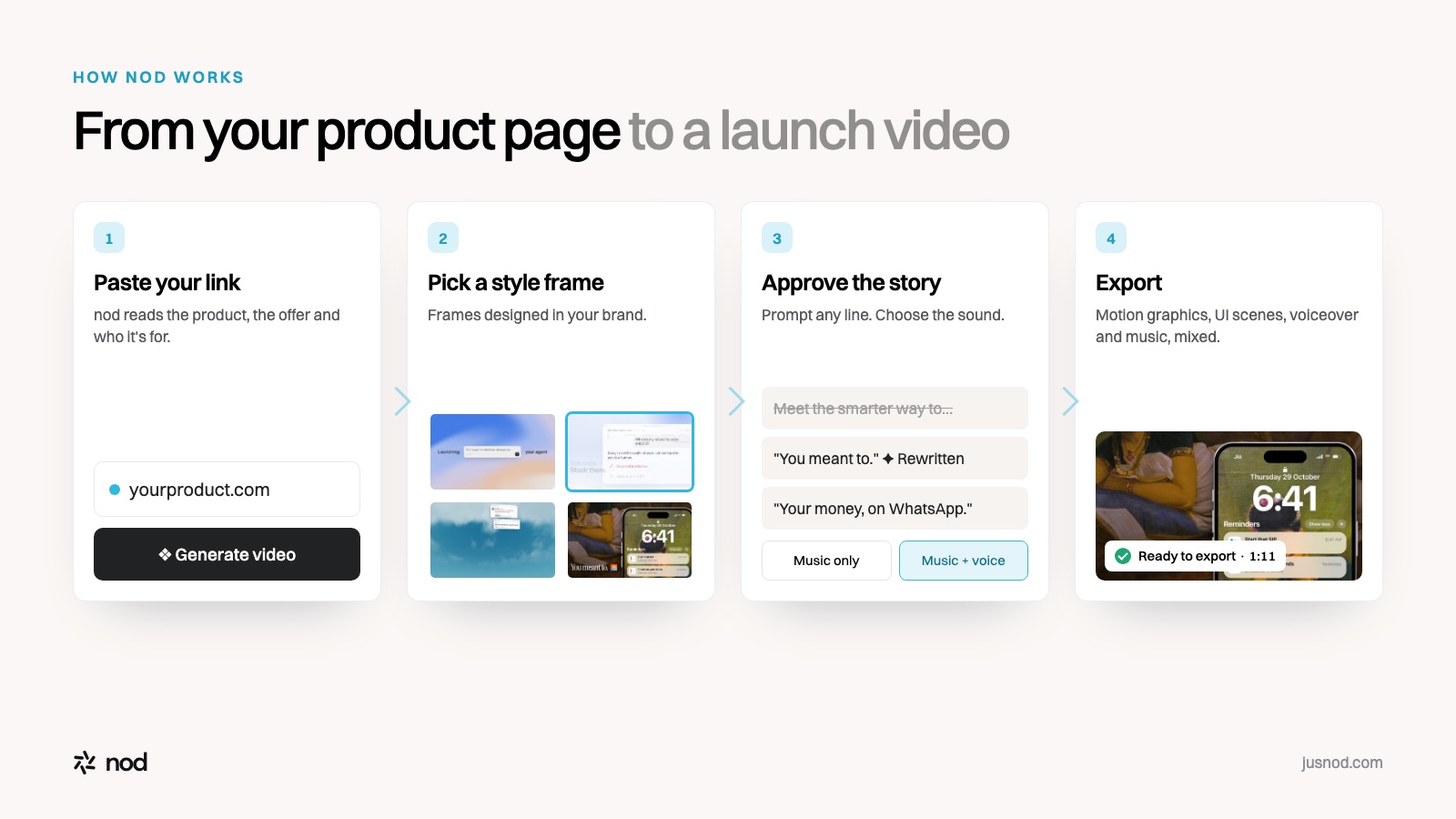
From product page to launch video in four steps.
Building the app
Making the launch video with nod
Start
A prompt describing the app
Your product page link
First result
A working first version
Style frames designed in your brand
Iterate
Prompt changes to the app
Prompt changes to the storyline and script
Ship
Publish the app
Export the video with voiceover and music
Why vibe-coded launches need a video
Building got fast. Launching didn't. When anyone can ship an app in a weekend, the launch post is what decides whether people try yours, and a video shows the product working in seconds. Product Hunt says about half of its Product of the Day winners since 2021 included a launch video (Product Hunt).
Most builders then hit the same wall: screen recordings look rough, editors take days to learn, and agencies quote thousands. nod closes that gap with the same prompt-driven loop you already know.
How to make a launch video for your app
Paste your product link. Your landing page or app URL. nod works out what the product does, the offer and who it's for.
Pick a style frame. Choose the look from frames nod designs in your brand.
Shape the story. Read the script and prompt any change: "make the hook punchier", "mention the free plan", "shorter".
Choose the sound. Music only, or music with a voiceover in the voice you pick.
Export and launch. Post it on X and LinkedIn, upload it to YouTube for your Product Hunt launch, and put it on your landing page.
Launch films made with nod Real launches, made from a link
ReacherMoney reminders on WhatsApp · 1:11TofaIdentity for AI agents · 1:12DevVineAn atlas of your engineering org · 0:47NuPlayAgents that improve every run · 0:43
Questions
What does "Lovable for video" mean?+
Lovable turns a prompt into a working app. nod does the same for launch videos: you give it your product page, and it turns that into a finished video. You steer it with prompts instead of an editing timeline.
Is nod made by Lovable?+
No. nod is an independent product and isn't affiliated with or endorsed by Lovable. "Lovable for video" is how we describe the experience: prompt-driven, from idea to finished result.
Does it work for apps built with Lovable, Bolt, v0 or Cursor?+
Yes. nod starts from your product page, so it doesn't matter what you built the app with. Paste the public URL of your landing page or app.
Do I need video editing skills?+
No. You pick a style frame, approve or prompt-edit the script, choose music only or music with a voiceover, and nod builds the video.
How much does it cost?+
$49 for one video, $99 a month for three, $249 a month for ten, or $999 a month for unlimited videos with your own API keys.